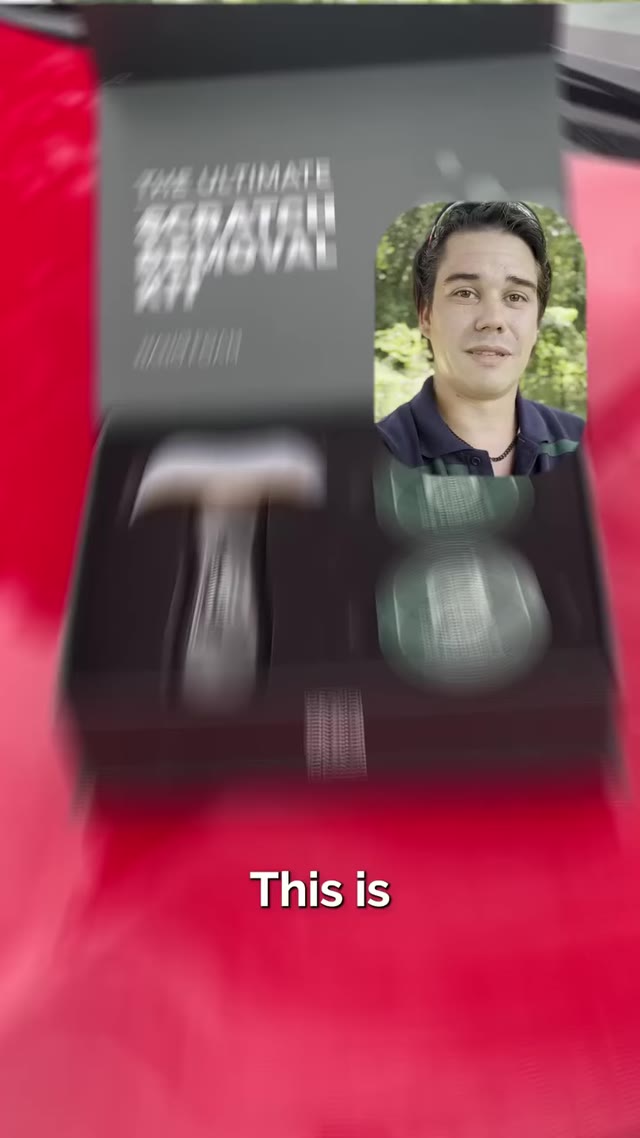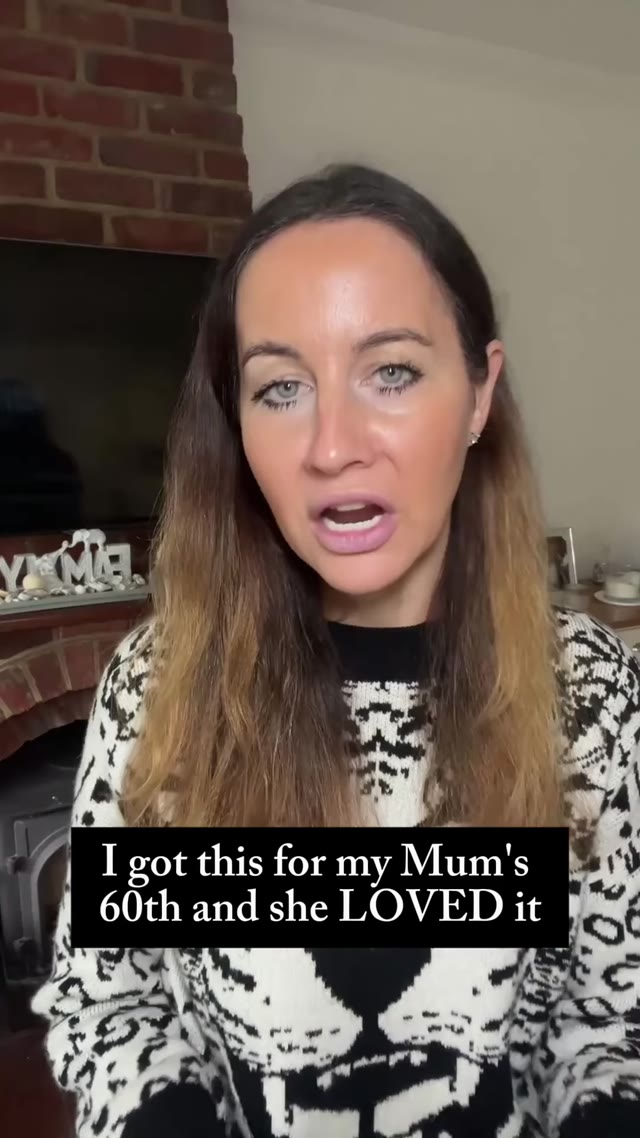




The MakeUGC studio,
as an API
Generate UGC videos, avatars and product ads from your own stack, or let Claude do it with our MCP server.
# 1. Pick an avatar and voice
curl "https://app.makeugc.ai/api/platform/video/avatars" \
  -H "X-Api-Key: YOUR_API_KEY"

curl "https://app.makeugc.ai/api/platform/video/voices" \
  -H "X-Api-Key: YOUR_API_KEY"

# 2. Start a talking-actor video (100 credits)
curl -X POST "https://app.makeugc.ai/api/platform/video/generate" \
  -H "X-Api-Key: YOUR_API_KEY" \
  -H "Content-Type: application/json" \
  -d '{
  "avatar_id": "avatar_123",
  "voice_script": "Two weeks in and my 3pm crash is gone.",
  "voice_id": "voice_123"
}'

# 3. Poll until completed or failed
curl "https://app.makeugc.ai/api/platform/video/status?id=VIDEO_ID" \
-H "X-Api-Key: YOUR_API_KEY"const base = "https://app.makeugc.ai/api/platform";
const headers = { "X-Api-Key": "YOUR_API_KEY" };
const avatars = await fetch(base + "/video/avatars", { headers });
const voices = await fetch(base + "/video/voices", { headers });
console.log(await avatars.json(), await voices.json());
const job = await fetch(base + "/video/generate", {
method: "POST",
headers: { ...headers, "Content-Type": "application/json" },
body: JSON.stringify({
"avatar_id": "avatar_123",
"voice_script": "Two weeks in and my 3pm crash is gone.",
"voice_id": "voice_123"
})
});
console.log(await job.json());
// Poll /video/status?id=VIDEO_ID until completed or failed.import requests
base = "https://app.makeugc.ai/api/platform"
headers = {"X-Api-Key": "YOUR_API_KEY"}
print(requests.get(base + "/video/avatars", headers=headers).json())
print(requests.get(base + "/video/voices", headers=headers).json())
job = requests.post(
base + "/video/generate",
headers=headers,
json={
"avatar_id": "avatar_123",
"voice_script": "Two weeks in and my 3pm crash is gone.",
"voice_id": "voice_123"
}
)
print(job.json())
# Poll /video/status?id=VIDEO_ID until completed or failed.Powering 10,000+ brands and agencies








Which models can I
call through the API?
Every video and image model in MakeUGC, behind the same key and the same request format.
 MakeUGC /Make 1.0
Talking actors with lip-sync, built for UGC ads.
 ByteDance /Seedance 2.5
Text, image, video and audio references. Clips up to 30 seconds.
 ByteDance /Seedance 2.0
Fast and pro modes, multimodal references.

 Google /Veo 3.1
Cinematic image to video with native audio.

 Kling /Kling 4.0
Image to video with smooth, realistic motion.
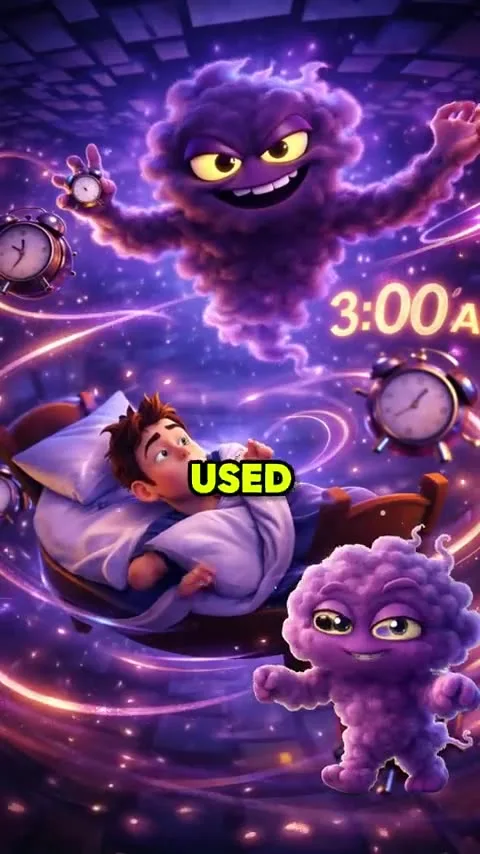
 xAI /Grok
Text or image to video.
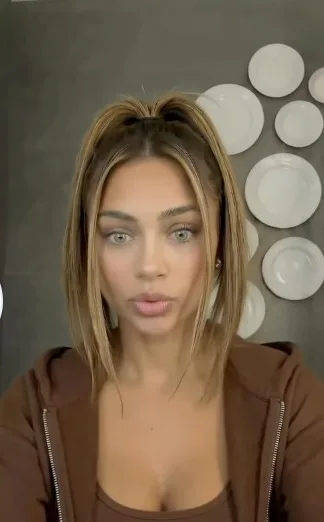
 MiniMax /MiniMax
Text and references with camera control.

 Alibaba /WAN 3.0
Text or image to video at a low cost per second.
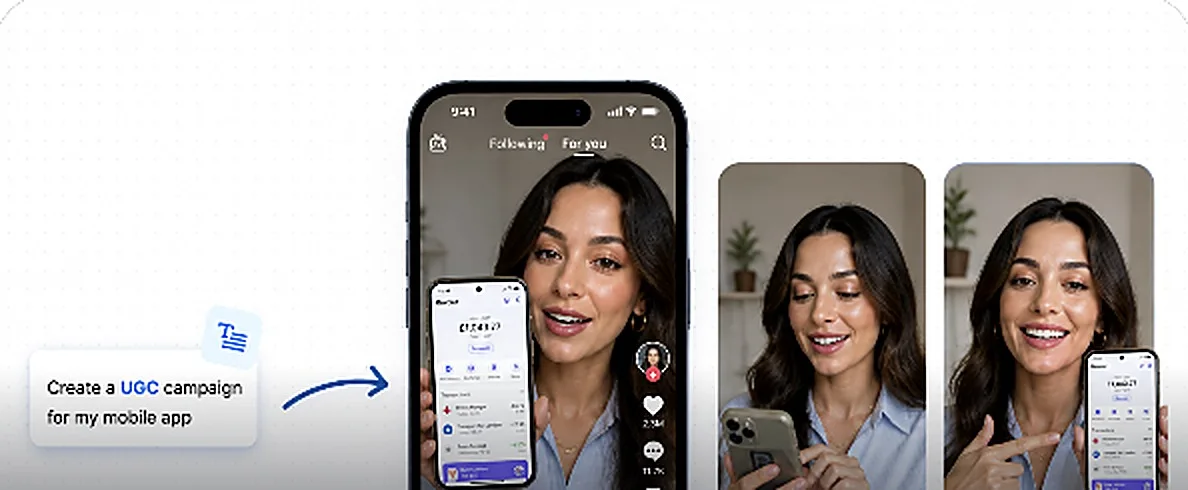
 Pixverse /Pixverse v5.5
Image to video with stylised effects.
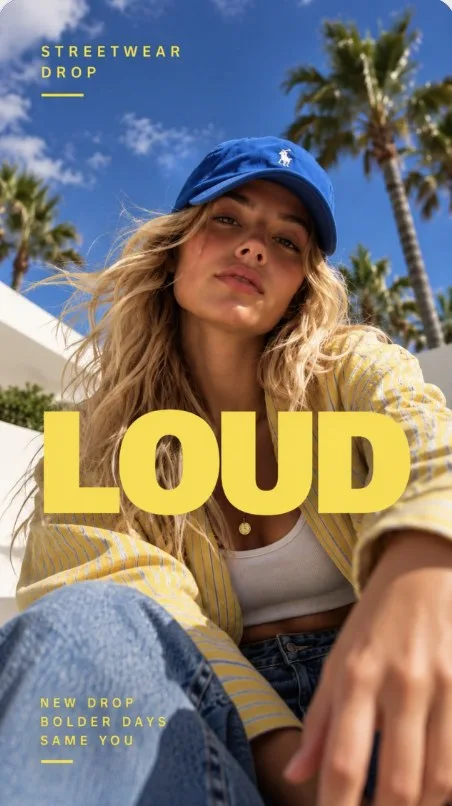
 OpenAI /GPT Image 2
Best for text and headlines inside images.
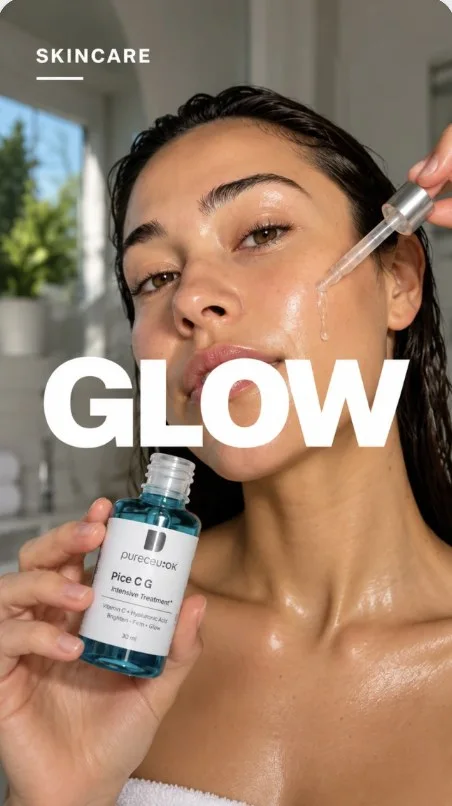 Google /Nano Banana Pro
4K images and precise edits.
 Google /Nano Banana 2
Fast image generation and edits.
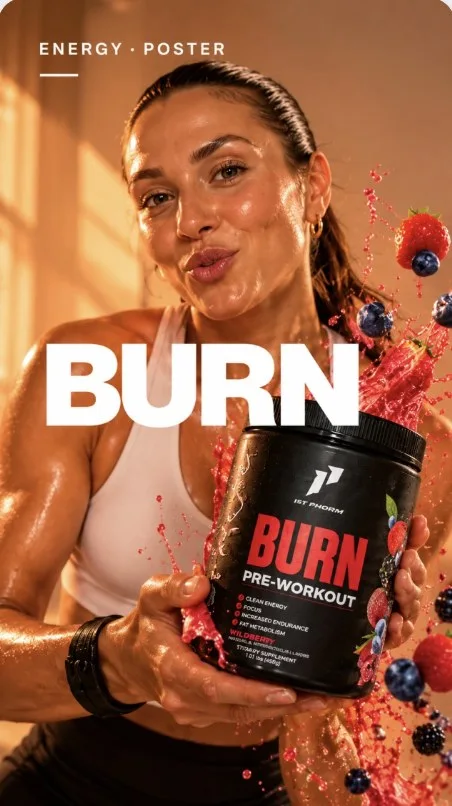 ByteDance /Seedream v5 Pro
4K images guided by reference photos.

 Black Forest Labs /Flux 2 Pro
Photoreal 4K product and lifestyle shots.
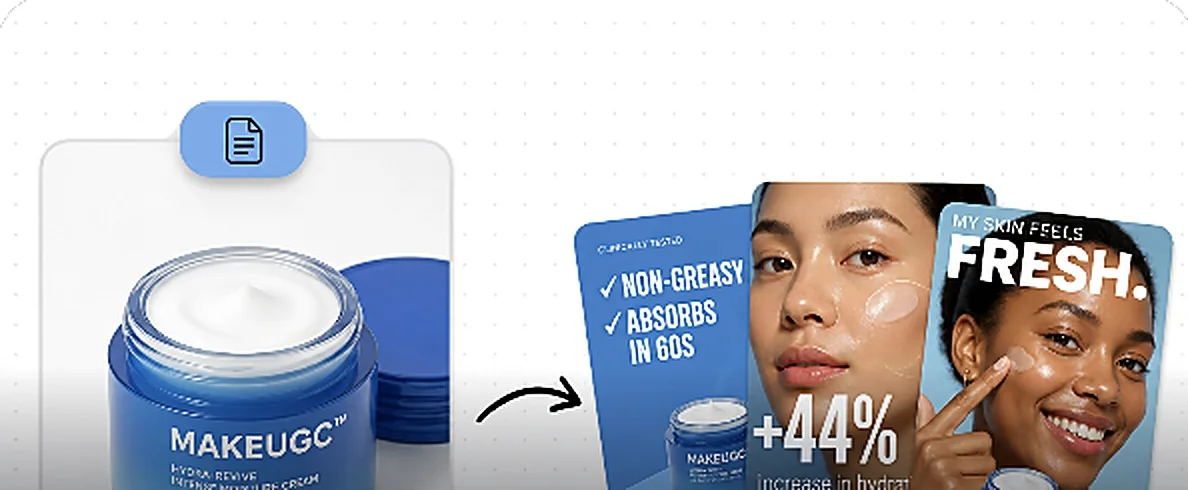
 Recraft /Recraft v3
Vector, brand and design-led images.

 Google /Imagen 4
Clean text to image generation.

 Alibaba /WAN 3.0 Image
Images guided by your references.
How do I set up
the MakeUGC API?
Every MakeUGC plan includes API access. Your key is created inside the app and works for both the REST API and the MCP server.
Pick a plan and sign in
Any plan works. Start for $1, or use the workspace you already have. Credits are shared between the app and the API.
Create your API key
Generate a Platform API key in the app. Keep it server-side; never ship it in a browser.
Call generate, or connect MCP
Send X-Api-Key on every request to the v1 base URL. Or add the MCP server to Claude and skip the code entirely.
One base URL,
five topics
All v1 routes live under one base URL and share the same X-Api-Key header. JSON in, JSON out.
List avatars and voices, start a talking-actor job, then poll until the MP4 is ready. Scripts up to 1,500 characters, or bring your own audio.
Create a reusable avatar from an image and a voice sample (multipart/form-data, 10MB each). It then appears in /video/avatars for your account.
An actor holds and presents your product. Make 1.0 (Nova V2) for speed, Omi-Human for longer takes, or Veo for 1–4 scene clips.
Browse creative packs and generate shoppable images and videos for a product in one call, then poll for the finished assets.
List proven ad templates and categories, then recreate one with your product image and dialogue. Each template declares its fields and cost.
POST …/generatereturns 200 with a job id indata.id.- Poll
GET …/status?id=every 5–10 seconds, or passwebhook_urland we call you. data.statusbecomescompletedwith an MP4url, orfailedwith areason. HTTP stays 200.
Make ads from Claude with the MakeUGC MCP server
Connect Claude Code, Claude Desktop or claude.ai to mcp.makeugc.ai. Ask for a video in plain language and Claude lists avatars, writes the script, starts the job and hands back the MP4.
- Works in Claude Code, Claude Desktop and claude.ai
- Same Platform API key as the REST API
- HTTP transport at mcp.makeugc.ai, or OAuth login
- Lists avatars and voices, generates videos, returns the URL
/mcp failedCheck the API key and that the subscription is active.needs authRun claude mcp login makeugc and approve.403Renew the subscription on app.makeugc.ai.claude mcp add --transport http \
--header "X-API-Key: YOUR_MAKEUGC_API_KEY" \
makeugc https://mcp.makeugc.ai
claude mcp list
# Or sign in with OAuth
claude mcp login makeugc# Claude Desktop or claude.ai
# Settings → Connectors → Add
Name: MakeUGC
URL: https://mcp.makeugc.ai
# Connect with your Platform API key,
# then enable MakeUGC in a chat.{
"mcpServers": {
"makeugc": {
"command": "npx",
"args": [
"-y",
"mcp-remote",
"https://mcp.makeugc.ai",
"--header",
"X-API-Key:YOUR_MAKEUGC_API_KEY"
]
}
}
}Metered in credits,
no separate API bill
API calls draw from the same credit balance as the studio. Pick any plan, generate through the API or the app, and top up when you need more.
Credit costs
Input limits
HTTP status codes
Which API version should I integrate against?
Use docs v2 at makeugc.ai/docs/api/v2 for the complete feature and model reference. The base URL remains https://app.makeugc.ai/api/platform; existing API keys and endpoint URLs are unchanged.
Do I need a separate API plan?
API access depends on your subscription and feature entitlements. Generate a key in Settings → API Integration and check your available credits before submitting jobs.
How do I know when a video is ready?
Poll GET …/status?id= every 5–10 seconds, or pass a webhook_url and we call you when it's done.
Which audio source does generate use?
For talking-actor videos, voice_url takes priority over voice_id and the avatar’s default voice. Audio may be up to 120 seconds; voice_script is still required, with a default limit of 1,500 characters.
Is a failed generation always an HTTP error?
No. Async jobs can fail after a 200. Check data.status and data.reason on the status endpoint.
What do I need before connecting MCP?
A Platform API key and an active subscription. Then add https://mcp.makeugc.ai to Claude with the key as a header, or log in with OAuth.
Ship your first video in an afternoon
Create your key in Settings → API Integration, call /video/generate, poll status. That's the whole integration.
Get your API key →