





 xAI · in MakeUGC New
Grok Imagine 1.5
A prompt. A picture. A moving story.
Create short videos from words, animate a source image, or bring up to seven images into one reference-driven scene. Grok Imagine 1.5 is ready in MakeUGC Studio.
 Scene reference
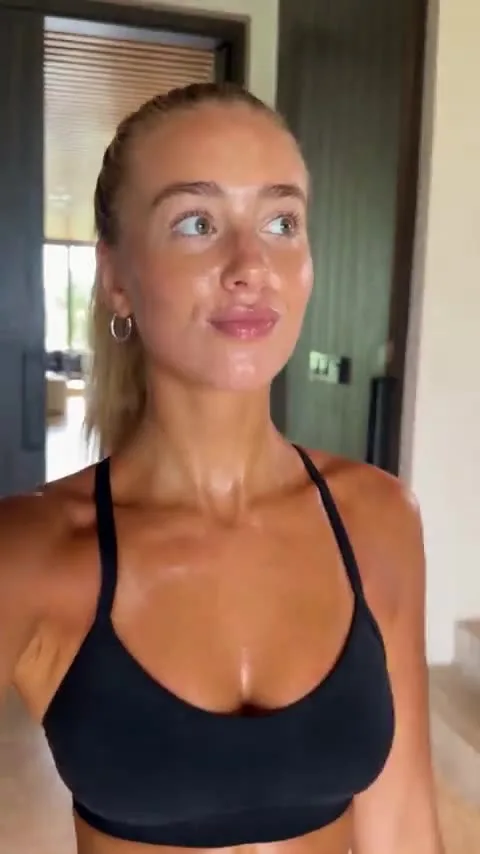 Image reference
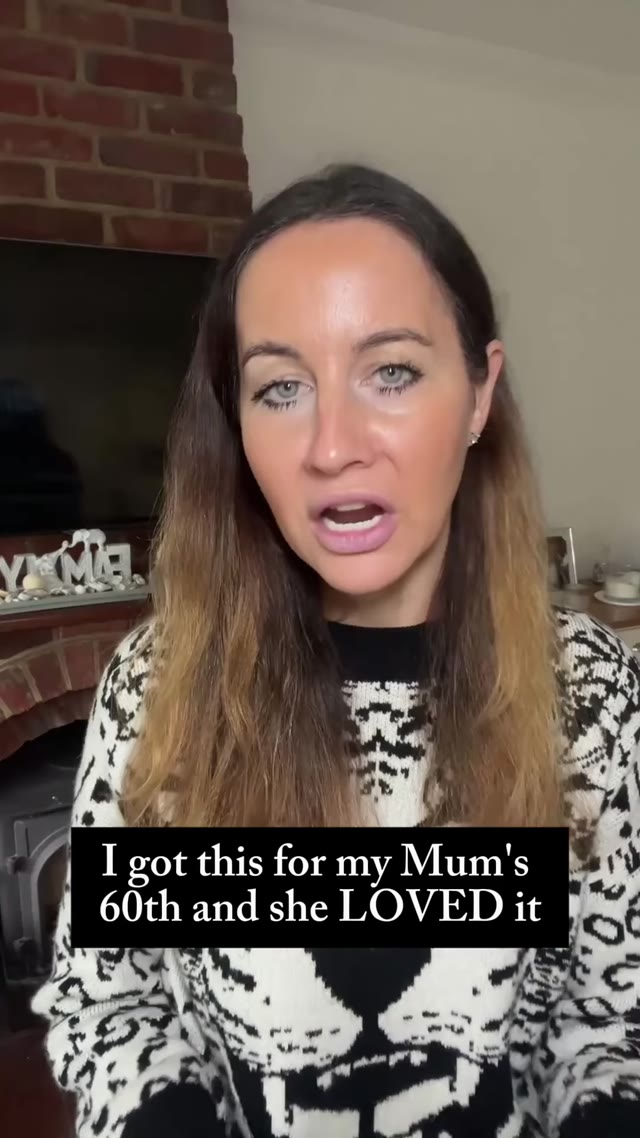
A creator turns toward the camera with a relaxed smile. Gentle handheld movement, natural window light, an everyday lifestyle moment.
Powering 10,000+ brands and agencies








What can Grok Imagine 1.5 do?
Choose the inputs and output that fit your next shot.
Start with what you have.
An idea, an image or a collection of references. Choose a mode to see how it works.
Put your idea in motion
Write the scene and its action, then choose a format for where the video will live. Start from a blank canvas.
- Clips from 1 to 15 seconds
- 480p, 720p or 1080p
- Seven output aspect ratios
A creator turns toward the camera with a relaxed smile. Gentle handheld movement, natural window light, an everyday lifestyle moment.
Illustrative inputs. Bring your own images and ideas.
Animate the image you already have
Add a single image and describe the movement. Grok uses the source image to determine the output ratio.
- One source image
- Up to 1080p output
- No end frame needed
Illustrative inputs. Bring your own images and ideas.
Give every image a role
Add your subject, product and visual references in order. Click their labels in Studio to mention exactly which image your prompt refers to.
- Between 1 and 7 reference images
- 480p or 720p output
- Defaults to 8 seconds at 480p
Illustrative inputs. Bring your own images and ideas.
From idea to video
in MakeUGC Studio.
Your models, assets and creations in one workspace.
Choose your model
Grok Imagine 1.5Open AI Models in Studio, select Grok Imagine 1.5, then choose your input mode.
Give it direction
Add the media your mode needs and write a prompt. In Reference, mention images by their labels.
Set & generate
Review the quote on Generate, start your job, then find the result in Your creations.
A shot for every screen.
Text and Reference support all seven ratios. Image mode follows the source image. Reference output is limited to 480p or 720p.
Build the scene from one to seven images. Their order stays intact, so you can refer to the right subject or product in your prompt.
Know the cost
before you create.
Credits depend on clip duration, resolution and the number of input images. Reference pricing includes each image you add, including repeated images.
The current price appears on the Generate button. Your completed videos stay in Your creations, ready to download or Remix.
Start creatingAnother shot. Another model.
Explore the rest of your MakeUGC toolkit.
What is Grok Imagine 1.5?
It is xAI's video model, available in MakeUGC with Text, Image and Reference modes. Generate from a prompt, animate one image, or guide a scene with multiple reference images.
How long can my video be?
All three modes support whole-second durations from 1 to 15 seconds. Text and Image start at 6 seconds, while Reference starts at 8 seconds.
Can I generate in 1080p?
Yes, in Text and Image modes. Reference supports 480p and 720p. Choose the resolution in Studio before you generate.
How do reference images work?
Add 1–7 images in the order you want to use them. Studio gives each image a label you can insert into your prompt. References are images; video and audio references are not supported in this integration.
Why is there no ratio selector in Image mode?
Grok Imagine 1.5 uses your source image's ratio in Image mode. Text and Reference offer 16:9, 4:3, 3:2, 1:1, 2:3, 3:4 and 9:16.
Where do I see the credit cost?
The Generate button shows the current credit cost for your settings and input images. You pay the amount shown when you submit, even if the result runs a few frames longer.
Make your first Grok Imagine 1.5 video
Bring your idea to MakeUGC. Pick your mode, add your inputs and start creating.
Try Grok Imagine 1.5 →