







Edit your ads
where you make them
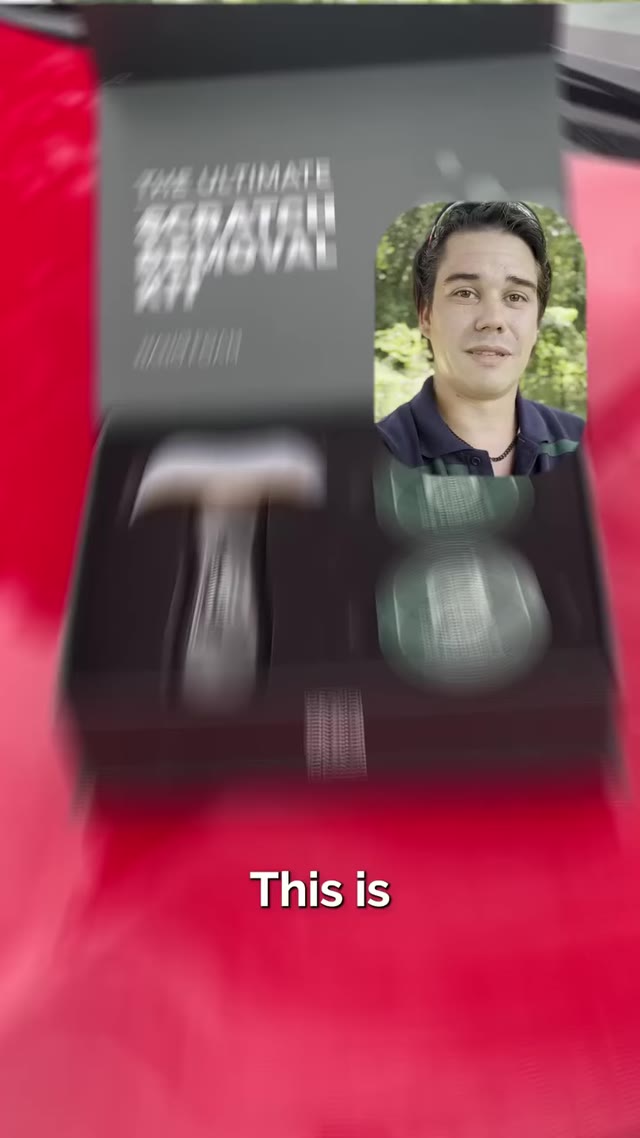
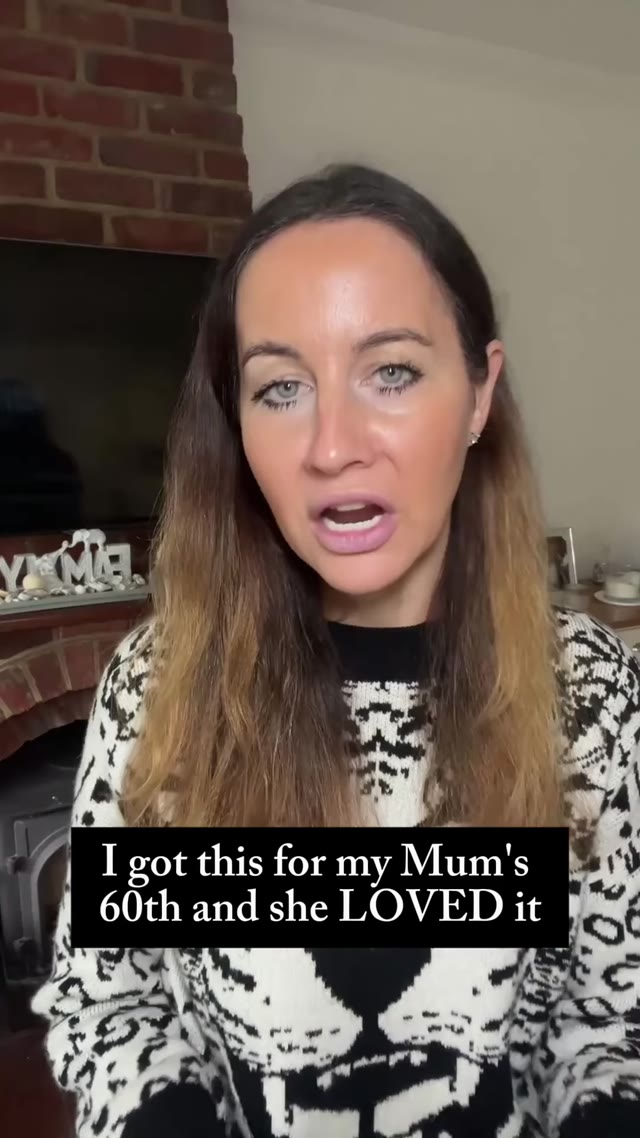
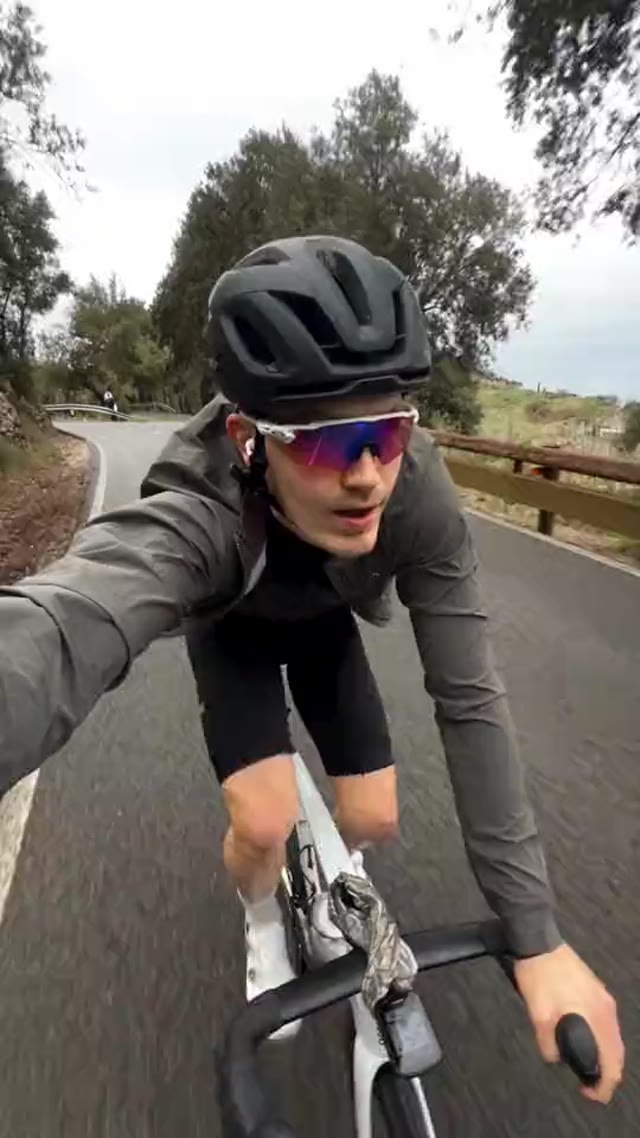
Bring your clips together on one timeline. Split, trim, add captions, music and headers, then render in 9:16 or 16:9, without leaving MakeUGC.
Scenes 3 clips · 30.0s
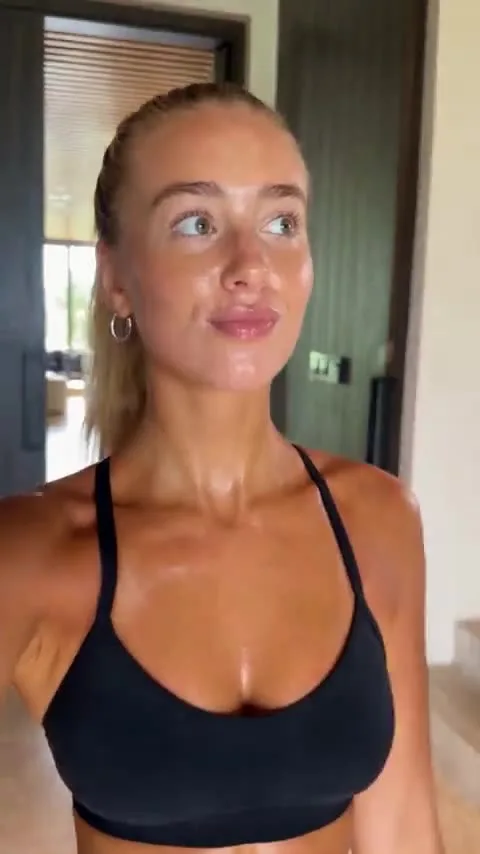

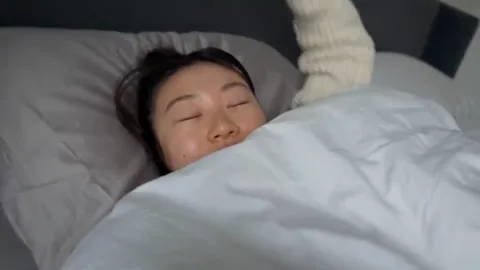
Powering 10,000+ brands and agencies








How to edit a video
in MakeUGC
Import, edit, render. All in the same place you generate.
Import your clips
Add your MakeUGC videos or upload your own footage. Each clip becomes a scene.
Cut & polish
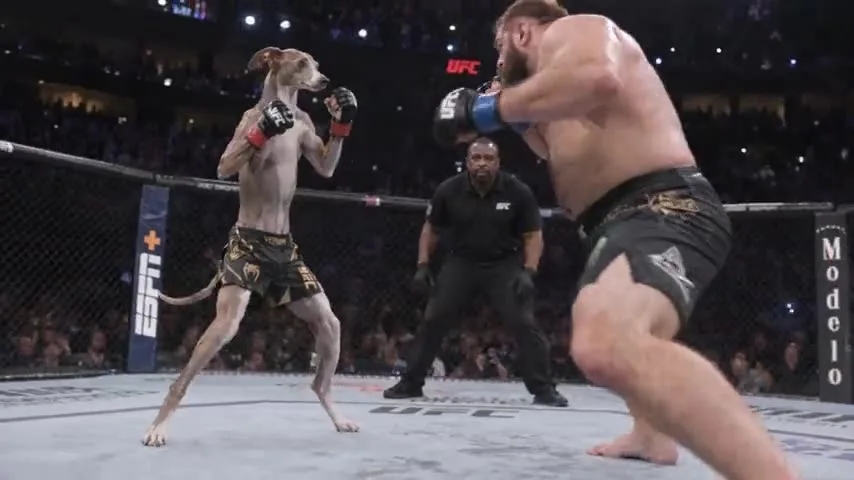
Split and trim on the timeline, reorder scenes, and add captions, music and a header.
Pick format & render
Choose portrait or landscape and render your finished ad, ready to post.
What can you do
in the editor?
Everything you need to turn clips into a finished ad.
What is the MakeUGC video editor?
A timeline editor built into MakeUGC. Bring your clips together, cut them, add captions, music and headers, and render the finished ad.
Can I edit videos I didn't make in MakeUGC?
Yes. Use Import media to add your own footage alongside your MakeUGC clips.
Can I export vertical and landscape?
Yes. Pick Portrait (9:16) for TikTok, Reels and Shorts, or Landscape (16:9) for YouTube and web.
Do I need other editing software?
No. You can go from generated clips to a finished, captioned ad without leaving MakeUGC.
How does "Start for $1" work?
Choose a plan and try it for $1. Your checkout shows the trial duration and renewal amount for your billing period. It renews at the plan price unless you cancel from your account.
Edit your first ad today
Import your clips, add captions and music, and render in minutes, for just $1.
Get started for $1 →