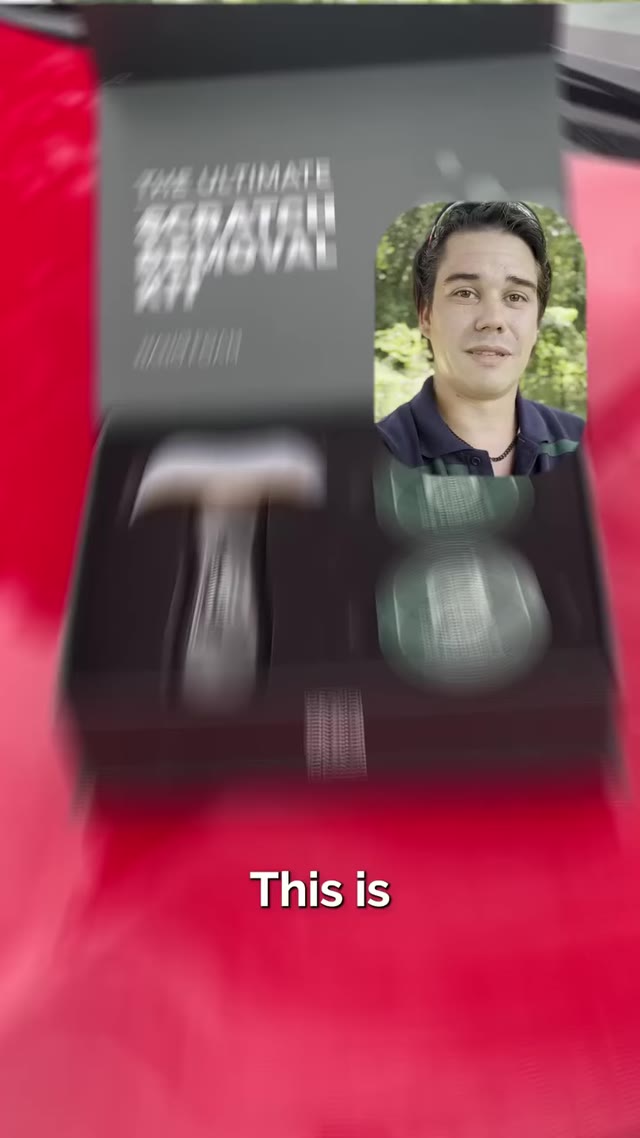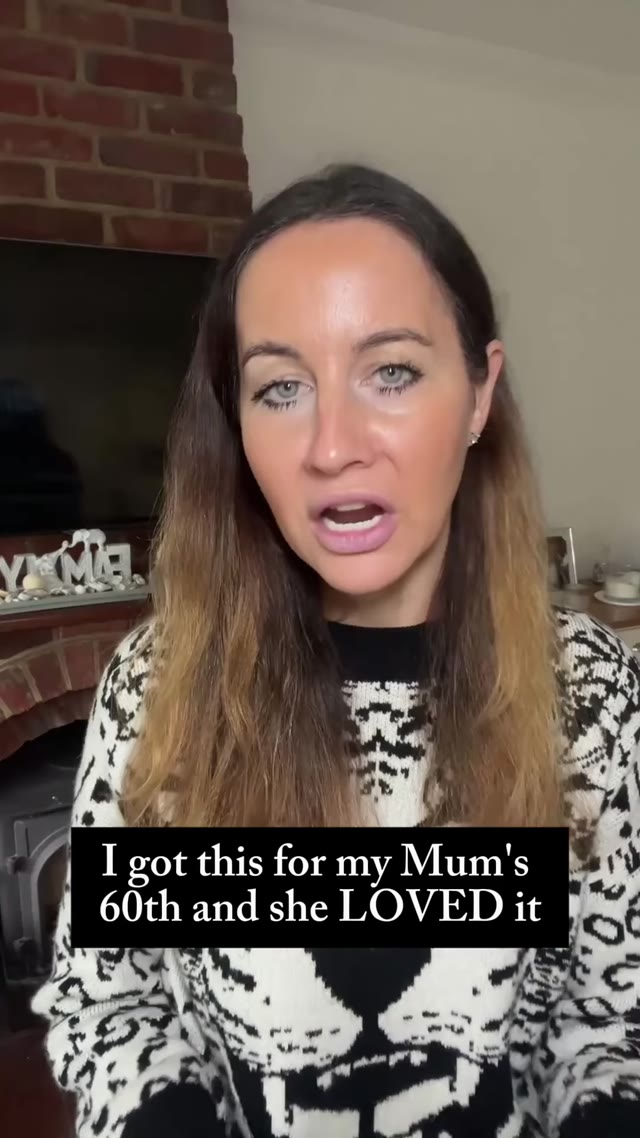








Direct your actor's
body language
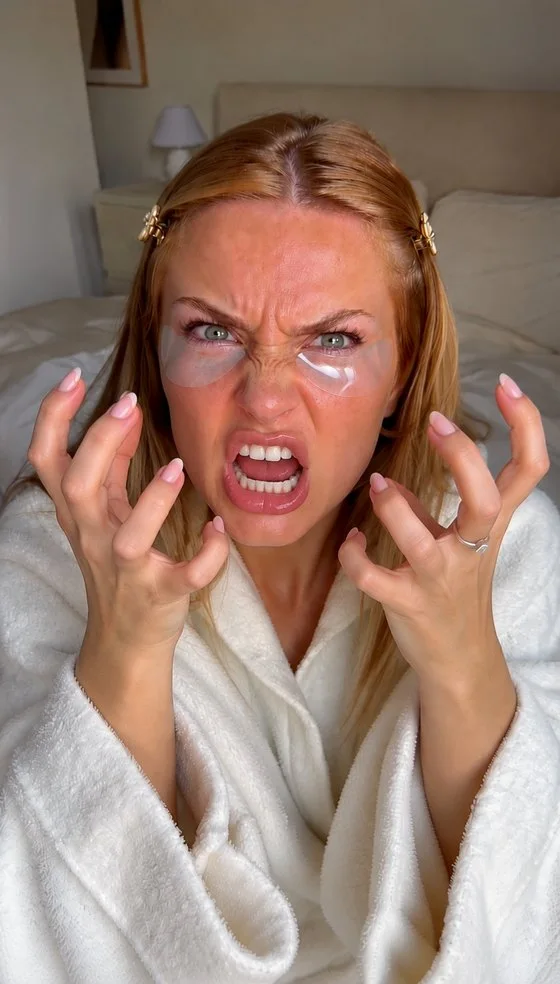
Tell your AI actor how to feel and move. Make her angry, make him smile, show excitement. Type it in plain words and get the take you need.
One actor.
Every emotion.
The same creator can be frustrated, furious or thrilled, so your hook lands the way you wrote it.


Powering 10,000+ brands and agencies








How to direct gestures
in MakeUGC
Pick an actor, describe the emotion, generate.
Add your actor
EmmaBedroom · Skincare✓ AddedChoose one of 1,000+ AI actors, or your own custom avatar.
Describe the gesture
Write the emotion or movement in plain words. Short and specific works best.
Generate video
Get the take with the exact reaction, then use it as a hook or drop it into the editor.
Where do gestures
make the difference?
Emotion is what stops the scroll. Use it where it counts.
What are gestures?
Gestures let you direct an AI actor's emotion and body language with a simple prompt, like "make her angry" or "show excitement".
What can I ask for?
Emotions like sad, angry, surprised or excited, and movements like pointing, waving, nodding or holding up a product.
Does it work with any actor?
Yes. Use any of the 1,000+ AI actors or your own custom avatar.
How do I get the best results?
Describe one clear emotion or action per video. Add how big it should be, for example "a small smile" or "shouting at the camera".
How does "Start for $1" work?
Choose a plan and try it for $1. Your checkout shows the trial duration and renewal amount for your billing period. It renews at the plan price unless you cancel from your account.
Direct your first actor today
Pick an actor, describe the emotion and get your video in minutes, for just $1.
Get started for $1 →