







 Pixverse · in MakeUGC
Pixverse v5.5
stylised image to video
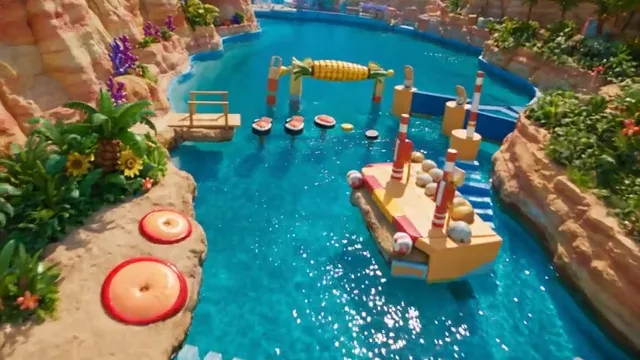
Bring any image to life with eye-catching effects and fast renders. Pixverse v5.5 is built for scroll-stopping social content, vertical or landscape.
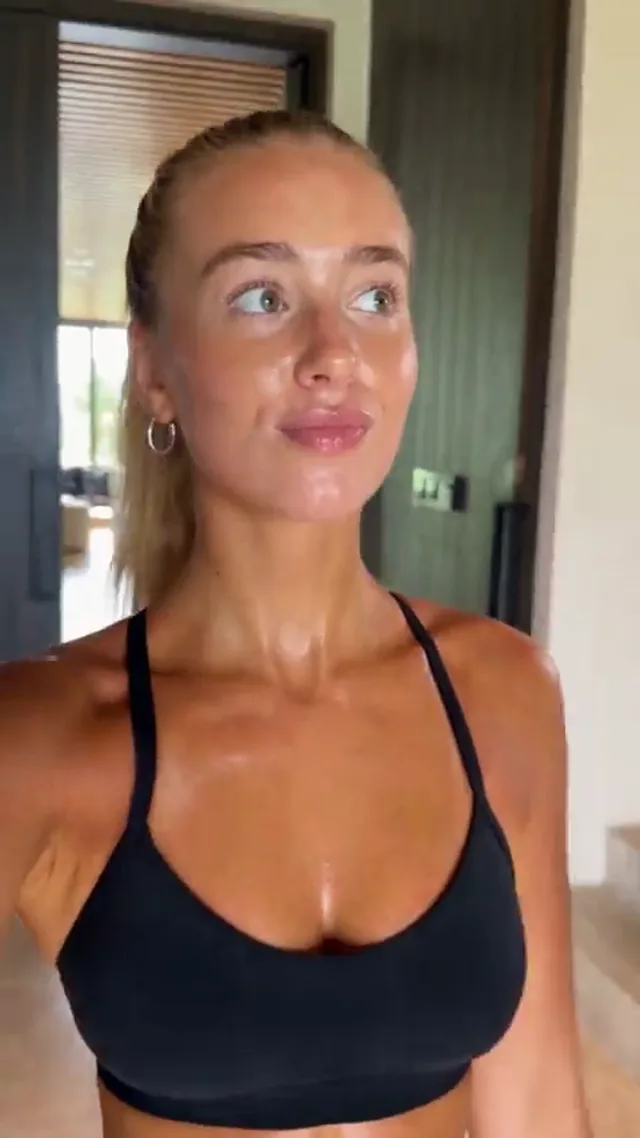
Animate this photo: she turns to camera and smiles, soft light flare, gentle zoom.
Powering 10,000+ brands and agencies








What can Pixverse v5.5 do?
Built for stylised, social-first video from a single image.
Image to video or
text to video?
Start from words when you have an idea, or from an image when you need the product to look exactly right.
Describe it, get the video
Write the scene, the action and the camera. Pixverse v5.5 builds a short, stylised clip from your prompt.
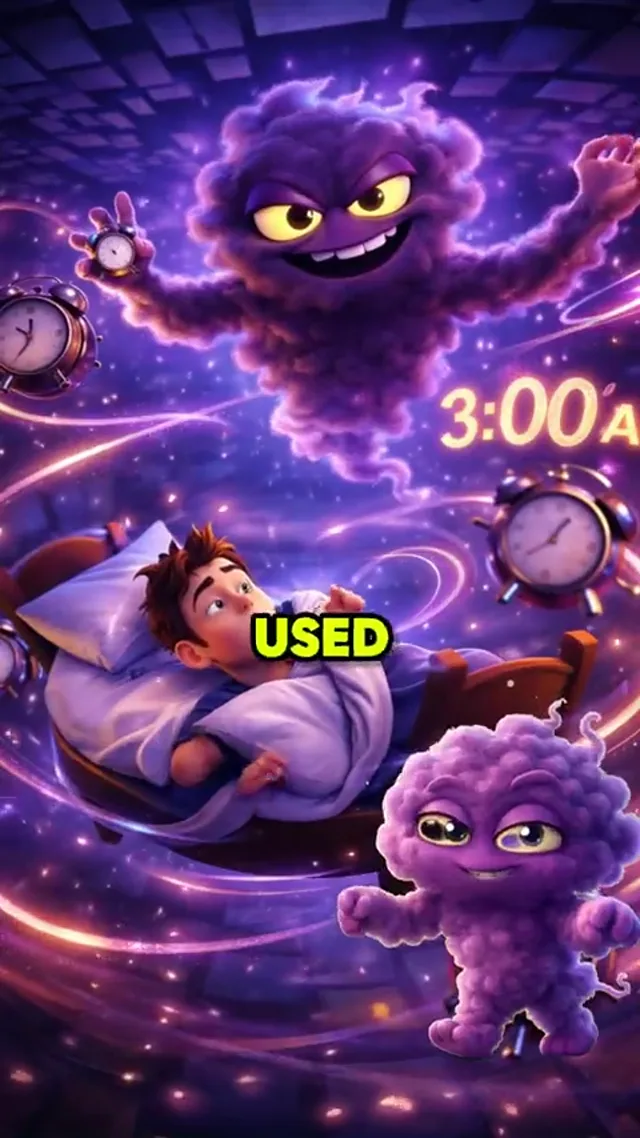
- Stylised looks and effects
- Camera and style in plain words
- Fast renders
Bring your image to life
Upload a product shot or a frame and Pixverse v5.5 animates it, keeping your product exactly as it looks.
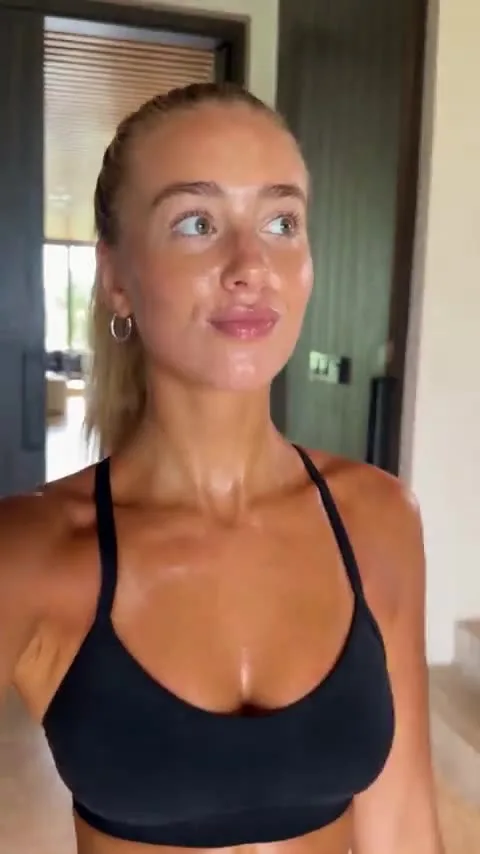
- Your product stays on-brand in every frame
- Add effects and transitions
- Guide the motion with a short prompt
How to use Pixverse v5.5
in MakeUGC
Three steps in the studio.
Pick Pixverse v5.5
Pixverse v5.5SelectedChoose Pixverse v5.5 from the model list and pick image or text to video.
Prompt or upload
Describe the scene, or upload a start image and references.
Set & generate
Choose the format and resolution, then generate.
Landscape videos made
with Pixverse v5.5
16:9 for YouTube, websites and presentations.
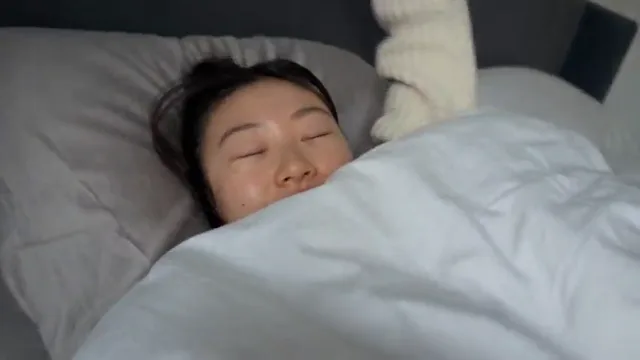
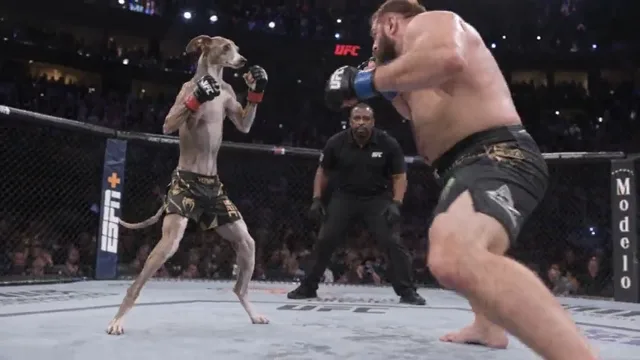
Vertical videos made
with Pixverse v5.5
9:16 for TikTok, Reels and Shorts.
Which other video
models can I use?
Every model runs on the same credits, so you can switch per shot.
 Make 1.0
 What is Pixverse v5.5?
A video model built for stylised, social-first clips. It turns images into videos up to 1080p with eye-catching effects, and it's available inside MakeUGC.
What's the difference between text to video and image to video?
Text to video builds the whole scene from your prompt. Image to video starts from an image you upload, so your product or character looks exactly right.
Can I make vertical and landscape videos?
Yes. Choose 9:16 for TikTok and Reels or 16:9 for YouTube and web.
How much does Pixverse v5.5 cost?
It uses your MakeUGC credits, based on length and resolution. The cost is shown before you generate.
How does "Start for $1" work?
Choose a plan and try it for $1. Your checkout shows the trial duration and renewal amount for your billing period. It renews at the plan price unless you cancel from your account.
Make your first Pixverse v5.5 video
Text or image to video, vertical or landscape, in minutes. Start for $1.
Get started for $1 →