







Swap anyone into
any video
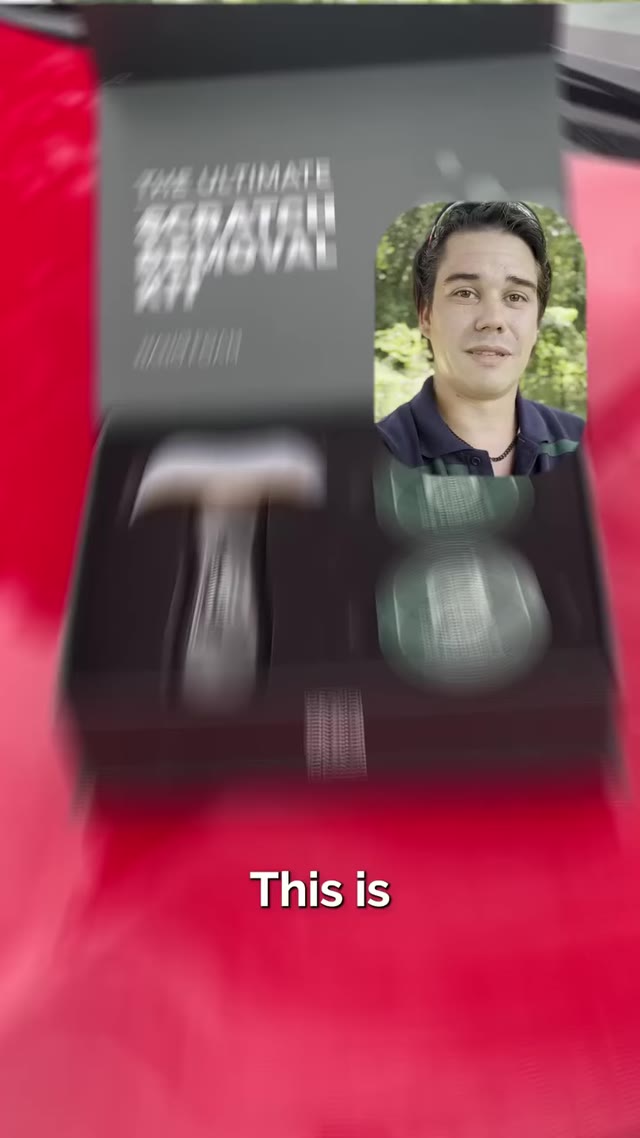
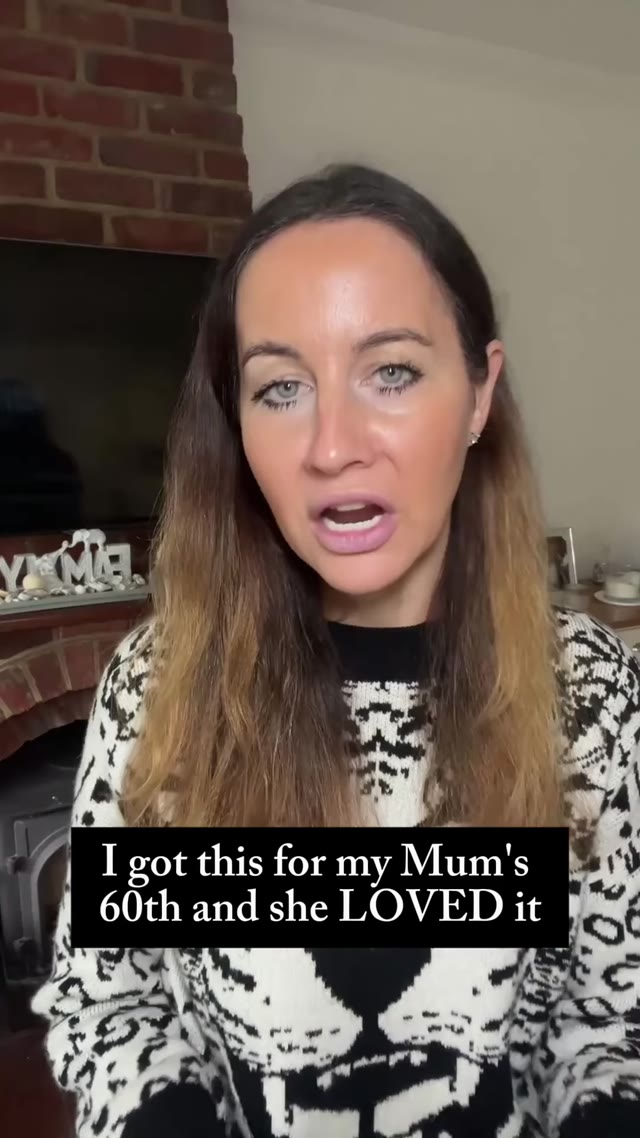
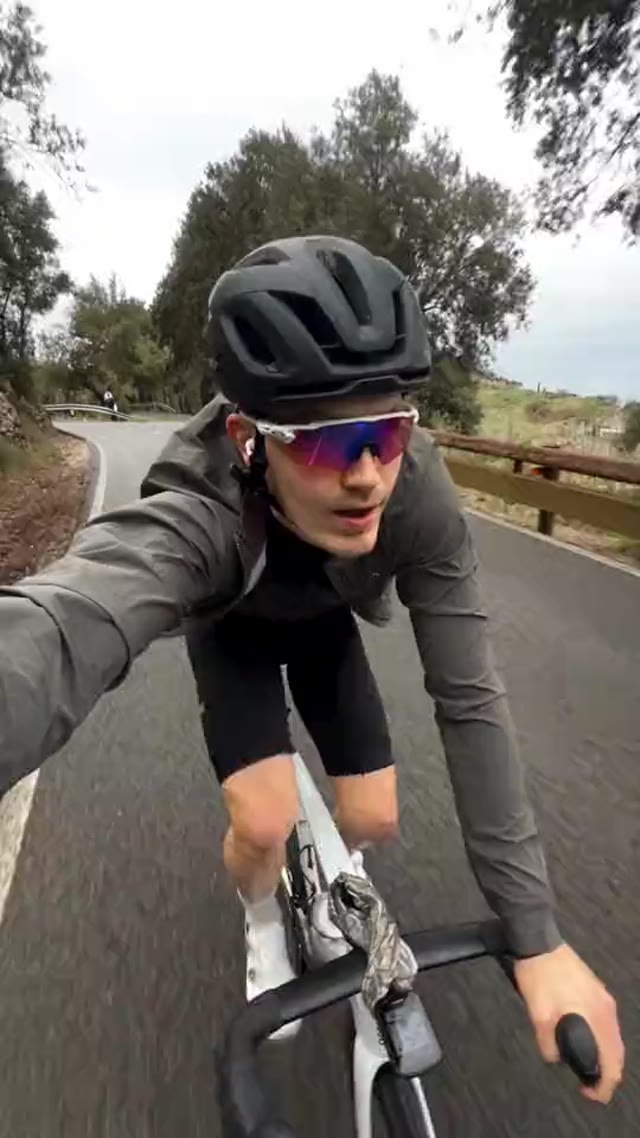
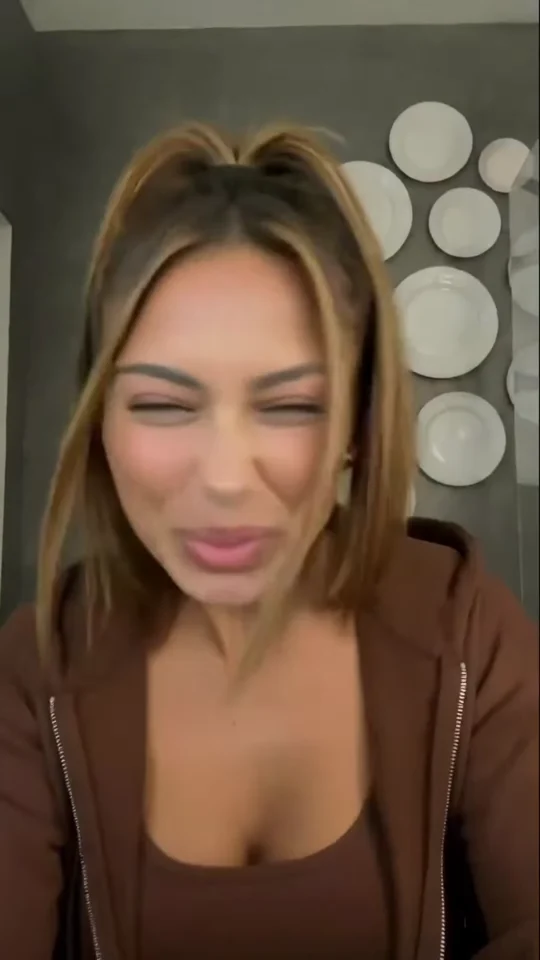
Upload a video of someone performing and a photo of your character. MakeUGC transfers every move, gesture and expression onto your character.
Their moves.
Your character.
Film it once, or use a clip you love. The performance stays the same, the person on screen becomes your character.
Powering 10,000+ brands and agencies








How to use motion control
in MakeUGC
One video, one photo, one click.
Upload a video
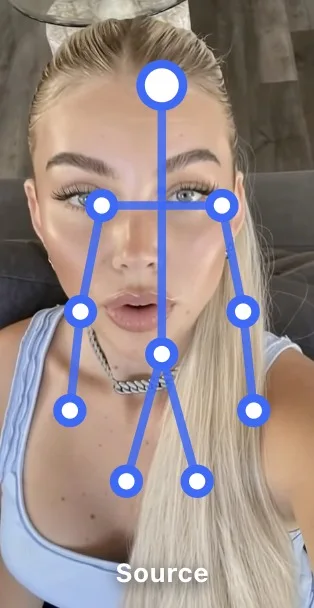 Performer video✓ Uploaded
Add a video of someone talking, dancing or showing a product. Their movement drives the new video.
Add your character
Performer video✓ Uploaded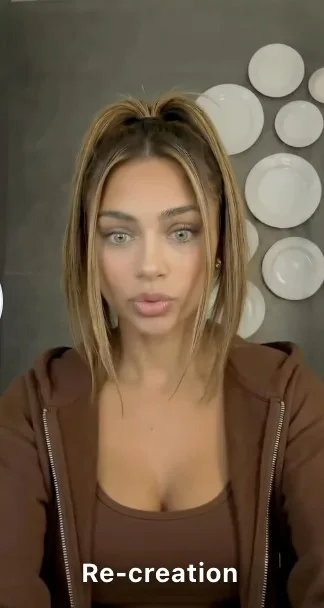 Character image✓ Uploaded
Upload one clear photo of the character: your AI avatar, yourself, a model or a brand mascot.
Pick a voice & generate
Keep the original audio or give your character a new voice, then hit Generate video.
What can you make
with motion control?
Anything where the performance matters as much as the face.
What is motion control?
You upload a performer video and a character photo. MakeUGC swaps the person in the video for your character, keeping every move, gesture and expression.
What video works best?
One person, clearly visible, well lit, without fast cuts. The clearer the performance, the cleaner the swap.
What character image should I upload?
A sharp photo of one character facing the camera, with the face and body clearly visible.
Can I use any video?
Use videos you own or have permission to use, and only swap in faces you have the rights to, like your own AI avatar.
How does "Start for $1" work?
Choose a plan and try it for $1. Your checkout shows the trial duration and renewal amount for your billing period. It renews at the plan price unless you cancel from your account.
Make your first swap today
Upload a performance and a character. Your new video is ready in minutes, for just $1.
Get started for $1 →