



Setup exhaustion
Every video needs camera setup, lighting, takes, editing, and revisions, often just to end up with something not good enough.
 Gemini Omni Flash 1.1
Google · create, reference and edit
Gemini Omni Flash 1.1
Google · create, reference and edit
 Grok Imagine 1.5
xAI · text, image and reference
Grok Imagine 1.5
xAI · text, image and reference
 Make 1.0
MakeUGC · talking actors
Make 1.0
MakeUGC · talking actors
 Seedance 2.5
ByteDance · text & image to video
Seedance 2.0
ByteDance · fast video
Veo 3.1
Google · image to video, 4K
Seedance 2.5
ByteDance · text & image to video
Seedance 2.0
ByteDance · fast video
Veo 3.1
Google · image to video, 4K
 Kling 4.0
Kling · image to video
Kling 4.0
Kling · image to video
 MiniMax
 · camera movement
MiniMax
MiniMax · camera movement
 WAN 3.0
Alibaba · text or image to video
WAN 3.0
Alibaba · text or image to video
 Pixverse v5.5
Pixverse · image to video
All video models →
Nano Banana Pro
Google · 4K image & edits
Nano Banana 2
Google · fast image
Pixverse v5.5
Pixverse · image to video
All video models →
Nano Banana Pro
Google · 4K image & edits
Nano Banana 2
Google · fast image
 GPT Image 2
OpenAI · text in images
Seedream v5 Pro
ByteDance · 4K references
GPT Image 2
OpenAI · text in images
Seedream v5 Pro
ByteDance · 4K references
 Flux 2 Pro
Black Forest Labs · 4K
Flux 2 Pro
Black Forest Labs · 4K
 Recraft v3
Recraft · vector & brand
Imagen 4
Google · text to image
WAN 2.6 Image
Alibaba · references
All image models →
Recraft v3
Recraft · vector & brand
Imagen 4
Google · text to image
WAN 2.6 Image
Alibaba · references
All image models →


1M+
Videos generated
1000+
AI Avatars
2m 12s
Speed of creation
50+
Countries and languages
The creator problem
Every creator knows the feeling. You need to post, but filming turns into a full production: camera, lighting, retakes, editing, exporting, uploading.
So you skip one day. Then another. Consistency breaks, growth slows down, and getting back into rhythm feels harder.
Platforms reward creators who show up often.
MakeUGC helps you stay in the game on the days you cannot film.
And on the days you can, it turns one idea into more content.
Every video needs camera setup, lighting, takes, editing, and revisions, often just to end up with something not good enough.

One missed day can turn into a missed week. Momentum drops, growth slows, and the pressure to catch up keeps building.

Creators can't produce at full speed forever. The more content your brand needs, the faster energy, ideas, and quality start to fade.

Social platforms reward volume and consistency. Inspiration helps, but it cannot keep up with the demand for fresh content.
How it works
Write a script or let AI write it. Pick an avatar, generate your video in minutes, and post it anywhere.









How creator use it

Explore MakeUGC's main creation tools: simple, fast,
and ready for scale.

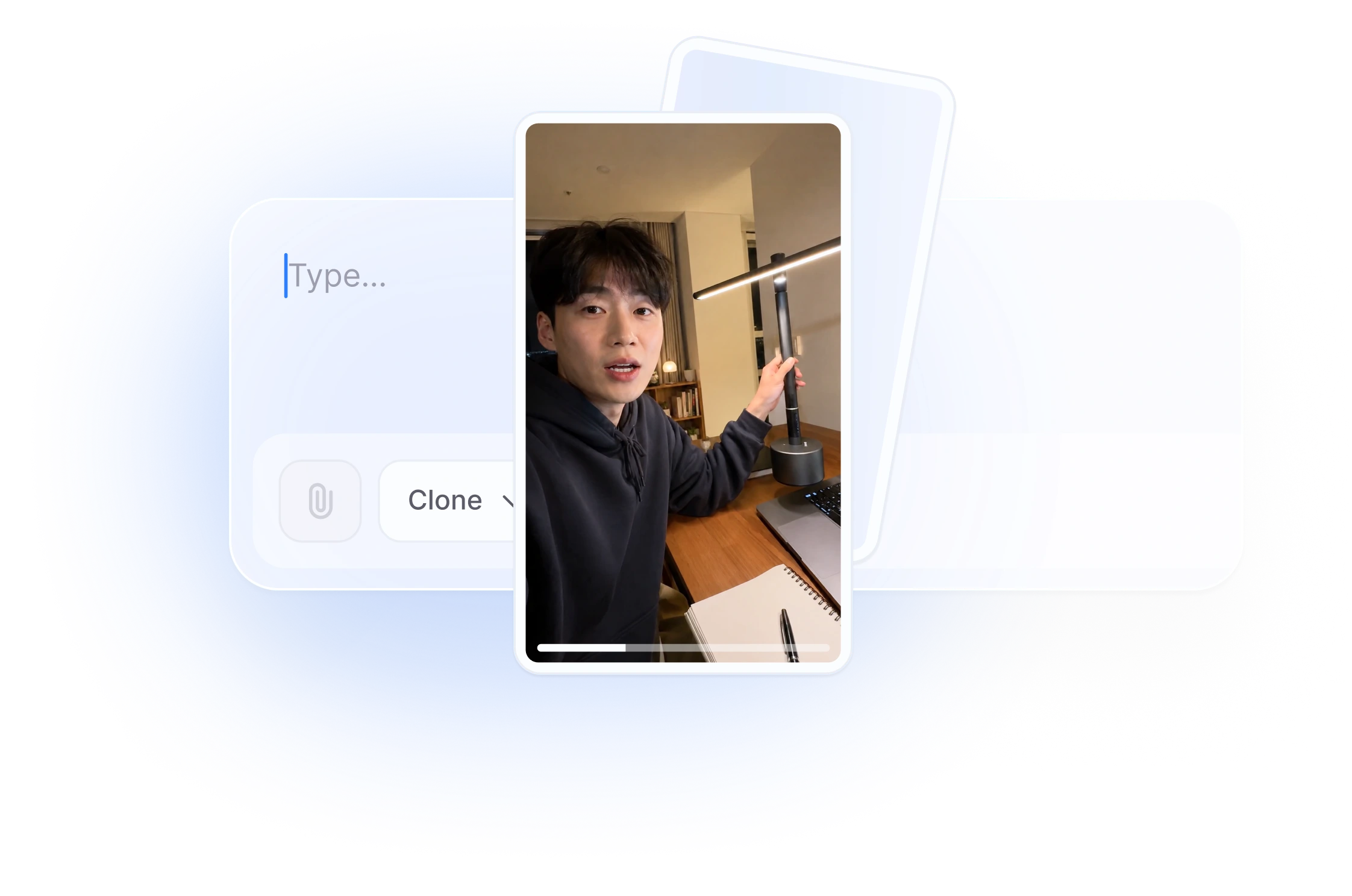





Brands scaling faster & cheaper with AI UGC.

Andreas

YouTube Creator, finance niche
I was posting once a week if I was lucky. Now I post every day. My channel grew 340% in 3 months, and I spend maybe 2 hours a week on production.
+340% growth in 3 monthsMatt


Multi-Platform Creator, 3 languages
I run channels in English, Spanish, and Portuguese simultaneously. MakeUGC generates all three versions from one script. Three audiences growing at the same time.
3 audiences and 1 scriptJanina
TikTok Creator, faceless account
I built an entire faceless TikTok account from zero to 80,000 followers in 4 months. Never showed my face once. The AI avatar is the brand now.
0 → 80K followers in 4 monthsFor creators getting started with AI UGC
300+ realistic AI creators
50+ languages available
1 generation at a time per media type.
Testing many creatives a month
Scale your ad creative testing
Batch Mode included
For growing teams and power users
Product in hand videos
3 custom AI avatars
Renews at $149
For brands who need more
Creative strategist included
Custom AI workflows
Flexible billing tailored to your team
For testing, prototyping, and low-volume use
500+ realistic AI creators
API access for integrations
Designed for production systems and scalable workloads
Everything in API Starter
Higher concurrency & priority queue
For enterprises that need volume-based discounts and custom terms
Custom integration support
Developer support via Slack
FAQ
Everything you need to know.
Unlimited lets you generate without spending credits on supported models in your plan. Speed and concurrency may vary during peak hours.
No. Unlimited only activates after your $1 trial ends and your first full billing cycle begins.
You get one full year of unlimited generations on the specific models listed in your plan, starting from purchase. If you cancel or downgrade, access stops at the end of your current plan. If you upgrade, the 12 months continues uninterrupted. Unlimited runs in the standard queue; credits always use the priority queue.
Yes. Upgrades take effect immediately. Downgrades apply at the end of your current billing period.
Upgrade your plan for a higher monthly limit, or buy credit packs without changing your subscription. Credits are added instantly.
It depends on your plan — 500, 1,000, or 2,000 credits per month on paid plans. Check the pricing table for details.
Yes. It renews automatically each billing cycle. You can cancel anytime in account settings — access continues until the end of the current period.
Each generation costs a set number of credits depending on the model, duration, and resolution. Credits refresh each billing cycle and do not roll over — unused credits expire at the end of the month.
