




1M+
Videos generated
3.1x
Average ROAS
2m 12s
Speed of creation
50+
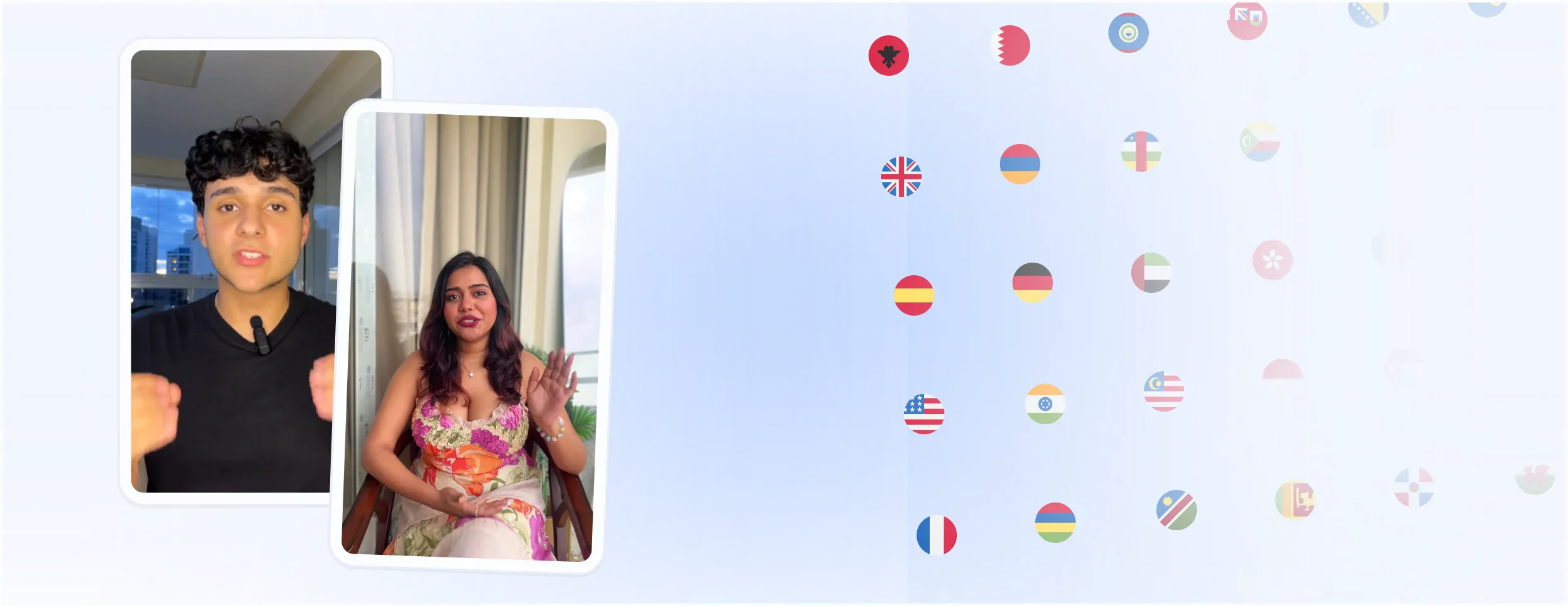
Countries and languages
Ads brought you here
You saw the ads.
Now you know they work.
You run Meta ads every day. You know what stops the scroll, what converts, and what gets ignored.
And yet here you are, on our landing page, after seeing our ads for weeks. That is MakeUGC working exactly as intended.
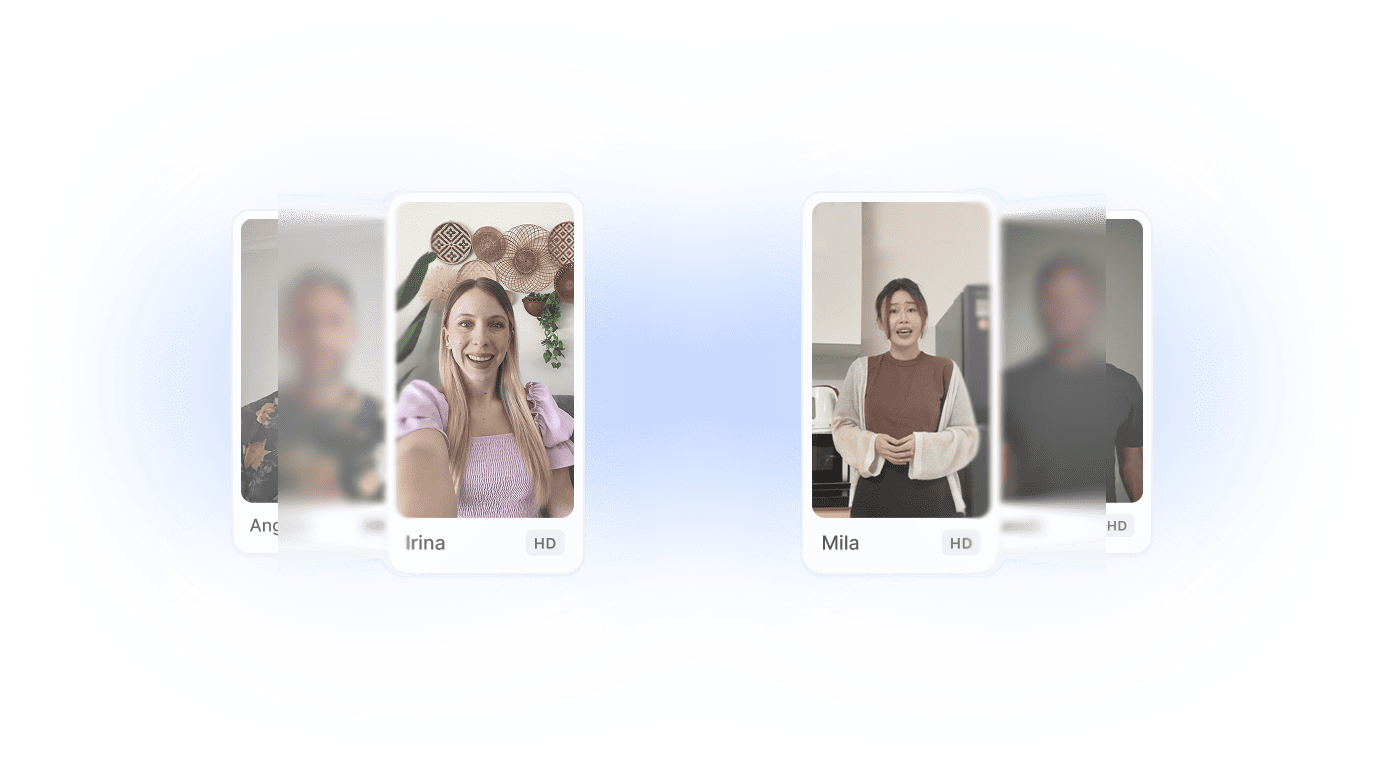
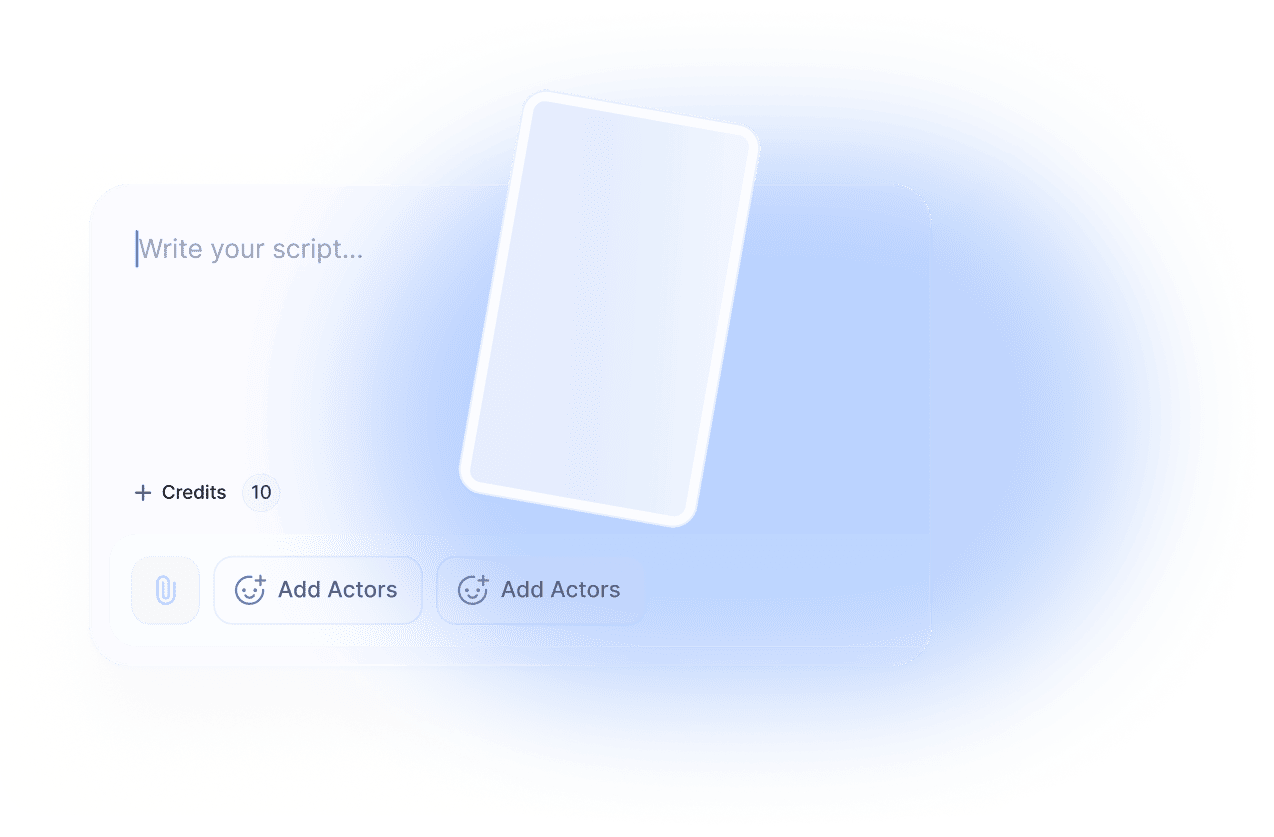
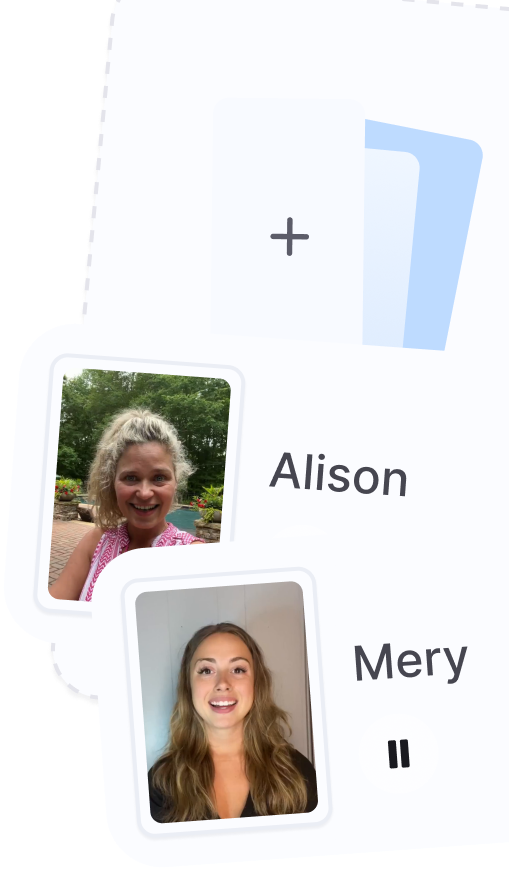
Every ad you saw from us was AI-generated: realistic avatars, scroll-stopping hooks, natural delivery. No creator. No camera. No $300 video. The same technology is available for your brand now, starting at $29 a month.
The pain
Your ad account needs
more creative
than your workflow can produce
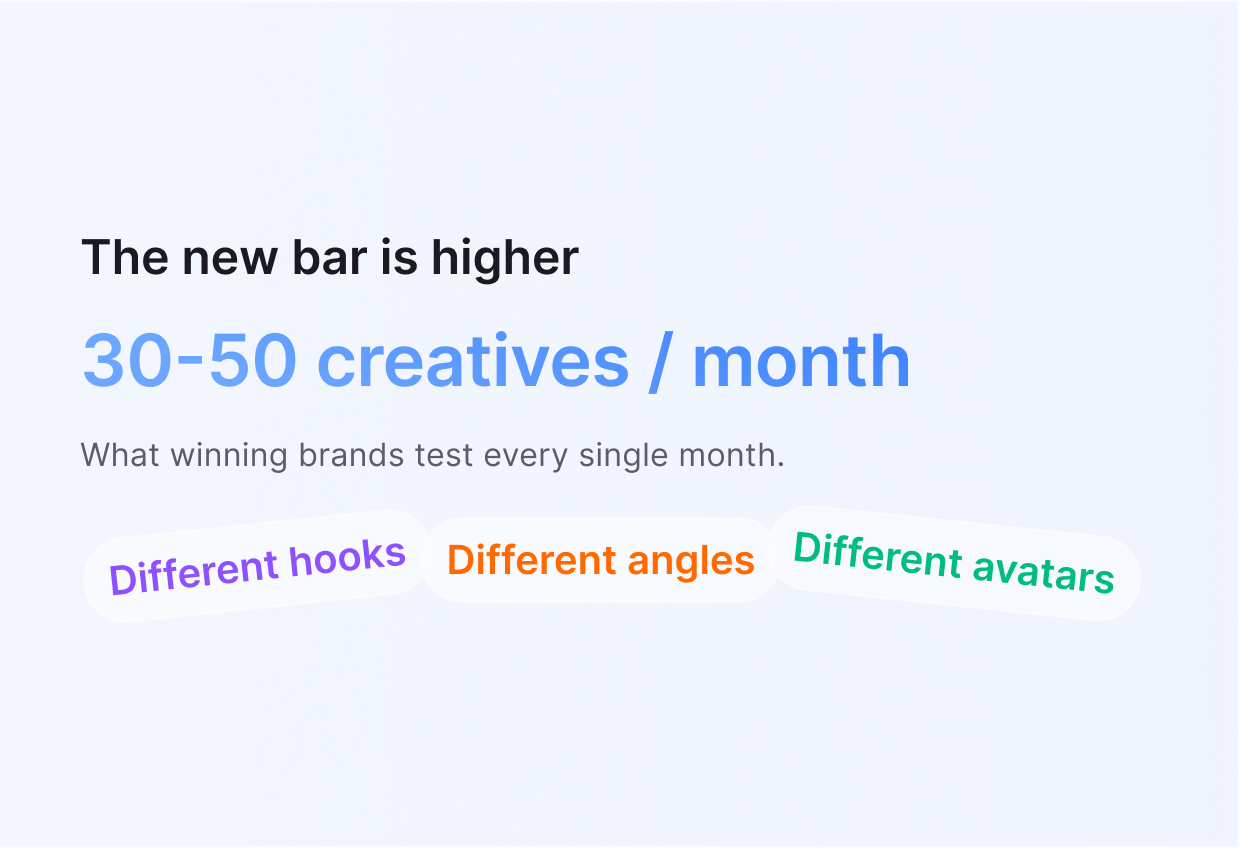
Meta’s Andromeda update changed the game. Targeting no longer carries performance. Creative does. And creative now needs volume.
What happens when you remove the bottleneck
Real brands. Real numbers. Real outcomes.
Made in 2 minutes for $9.
$19k in spend, $69k in sales. The creative volume MakeUGC gave us is what made that possible.
Running AI ads since May 2 — strong performance on a high-fatigue product using green screen avatars over B-roll footage.
3X–4X ROAS across campaigns, with +10% upsell post-purchase baked in.
Features
Everything your ad account needs to scale creative
The core tools DTC marketers need to produce, test, and refresh ads faster
Pricing plans
Start creating UGC today
SAVE UP TO 50% ON ANNUAL PLAN

month
For creators getting started
Talking Actor - OmniHuman 1-2 credits
Talking Actor - Nova V2 2 credits / 1 min
Video - Kling 2.5 Turbo 0.5 credits
Video - Kling 2.6 Pro 0.5 credits
Video - Veo3.1 0.5 credits
Video - Veo3.1 Pro 1 credit
Video - WAN 2.6 1 credit
Video - Seedance 1.5 0.5 credits
Video - Pixverse V5 0.5 credits
Image generation (gpt-image-1.5, banana pro, seedream, ...) 0.1 credit
Animate - WAN 1 credit per 30s
Animate - Kling 1 credit per 15s
Gestures 0.5 credit
Product in Hand 1 credit (Pro)
B-roll (Sora2/Veo3.1/Kling) 0.5 credits
B-roll (Sora2 Pro) 1.5 credits
B-roll (Veo3.1 Pro) 1 credit
Tool - Sora 2 1-1.5 credits
Tool - Sora 2 Pro (720p) 1-3 credit
Tool - Sora 2 Pro (1080p) 1-4 credits
Seedance 2.0 1-1.5 credits

month
Testing many creatives a month
Talking Actor - OmniHuman 1-2 credits
Talking Actor - Nova V2 2 credits / 1 min
Video - Kling 2.5 Turbo 0.5 credits
Video - Kling 2.6 Pro 0.5 credits
Video - Veo3.1 0.5 credits
Video - Veo3.1 Pro 1 credit
Video - WAN 2.6 1 credit
Video - Seedance 1.5 0.5 credits
Video - Pixverse V5 0.5 credits
Image generation (gpt-image-1.5, banana pro, seedream, ...) 0.1 credit
Animate - WAN 1 credit per 30s
Animate - Kling 1 credit per 15s
Gestures 0.5 credit
Product in Hand 1 credit (Pro)
B-roll (Sora2/Veo3.1/Kling) 0.5 credits
B-roll (Sora2 Pro) 1.5 credits
B-roll (Veo3.1 Pro) 1 credit
Tool - Sora 2 1-1.5 credits
Tool - Sora 2 Pro (720p) 1-3 credit
Tool - Sora 2 Pro (1080p) 1-4 credits
Seedance 2.0 1-1.5 credits

month
For growing teams and power users
Talking Actor - OmniHuman 1-2 credits
Talking Actor - Nova V2 2 credits / 1 min
Video - Kling 2.5 Turbo 0.5 credits
Video - Kling 2.6 Pro 0.5 credits
Video - Veo3.1 0.5 credits
Video - Veo3.1 Pro 1 credit
Video - WAN 2.6 1 credit
Video - Seedance 1.5 0.5 credits
Video - Pixverse V5 0.5 credits
Image generation (gpt-image-1.5, banana pro, seedream, ...) 0.1 credit
Animate - WAN 1 credit per 30s
Animate - Kling 1 credit per 15s
Gestures 0.5 credit
Product in Hand 1 credit (Pro)
B-roll (Sora2/Veo3.1/Kling) 0.5 credits
B-roll (Sora2 Pro) 1.5 credits
B-roll (Veo3.1 Pro) 1 credit
Tool - Sora 2 1-1.5 credits
Tool - Sora 2 Pro (720p) 1-3 credit
Tool - Sora 2 Pro (1080p) 1-4 credits
Seedance 2.0 1-1.5 credits
month
For testing, prototyping, and low-volume use
Talking Actor - OmniHuman 1-2 credits
Talking Actor - Nova V2 2 credits / 1 min
Video - Kling 2.5 Turbo 0.5 credits
Video - Kling 2.6 Pro 0.5 credits
Video - Veo3.1 0.5 credits
Video - Veo3.1 Pro 1 credit
Video - WAN 2.6 1 credit
Video - Seedance 1.5 0.5 credits
Video - Pixverse V5 0.5 credits
Image generation (gpt-image-1.5, banana pro, seedream, ...) 0.1 credit
Animate - WAN 1 credit per 30s
Animate - Kling 1 credit per 15s
Gestures 0.5 credit
Product in Hand 1 credit (Pro)
B-roll (Sora2/Veo3.1/Kling) 0.5 credits
B-roll (Sora2 Pro) 1.5 credits
B-roll (Veo3.1 Pro) 1 credit
Tool - Sora 2 0.5 credits
Tool - Sora 2 Pro (720p) 1 credit
Tool - Sora 2 Pro (1080p) 1.5 credits
Seedance 2.0 1-1.5 credits
month
Designed for production systems and scalable
workloads
Talking Actor - OmniHuman 1-2 credits
Talking Actor - Nova V2 2 credits / 1 min
Video - Kling 2.5 Turbo 0.5 credits
Video - Kling 2.6 Pro 0.5 credits
Video - Veo3.1 0.5 credits
Video - Veo3.1 Pro 1 credit
Video - WAN 2.6 1 credit
Video - Seedance 1.5 0.5 credits
Video - Pixverse V5 0.5 credits
Image generation (gpt-image-1.5, banana pro, seedream, ...) 0.1 credit
Animate - WAN 1 credit per 30s
Animate - Kling 1 credit per 15s
Gestures 0.5 credit
Product in Hand 1 credit (Pro)
B-roll (Sora2/Veo3.1/Kling) 0.5 credits
B-roll (Sora2 Pro) 1.5 credits
B-roll (Veo3.1 Pro) 1 credit
Tool - Sora 2 0.5 credits
Tool - Sora 2 Pro (720p) 1 credit
Tool - Sora 2 Pro (1080p) 1.5 credits
Seedance 2.0 1-1.5 credits
#1 AI Ad Agent
Meet Video Agent
Create viral content with our Video Agent
FAQ
We’ve covered everything
Everything you need to know.
How long does a video take to generate?
After inputting a script, talking head videos take between
2-10 minutes to process
AI hook videos take
between 5-10 seconds.
Custom avatars can take up
to 1 hour to train.
If your video takes longer
than this please contact support on
help@makeugc.ai
Can AI hold my product?
Yes, MakeUGC allows you to hold, showcase, and even consume
your product. Once created, you can make videos in minutes
using standard templated videos.
Please note this
feature is only available for PRO, Launch or enterprise plan
users
If I edit an already generated video, will it be considered a new video/take a video credit?
Yes, because the video has already been generated, and we allow you to preview the script beforehand to avoid mistakes. However, if the issue is due to a system error or creator malfunction, we will refund the credit back to your account.
What should I do if my video is taking too long to generate?
While MakeUGC focuses on fast video production, if you do
encounter any delays exceeding the timings below.
Talking head videos take between 2-10 minutes to
process
AI hook videos take between 5-10 seconds
Custom avatars can take up to 1 hour to train
Please
contact support in the bottom right of the screen or on
help@makeugc.ai
Note: during peak hours video generation can
take up to double the time stated above, if you issue does
persist, please contact support.
How do I upgrade my plan?
You can upgrade your plan at any time during your account settings, your current credits will be rolled over into your new plan combining both credits. Upgrading will initiate a new billing cycle.
How can I cancel?
MakeUGC, offers a cancel at any time plan, you can cancel your plan through the subscription tab. Upon cancellation, your subscription remains active until the end of the current billing cycle.
Are there any limits on the use of ads made with MakeUGC?
No, there are no limitations. You own all of your creatives, even after your plan ends, and can use them across any channel without restrictions. All stock footage utilized in MakeUGC is royalty-free.
What will I get with a subscription plan?
Each subscription plan provides a specific number of videos monthly or annually and access to MakeUGCs features and video licensing, this includes AI video creation, ad maker, script maker and access to over 150+ avatars.
How can I change my plan?
You can change your plan at any time through your account settings on the subscription tab. If you do need any help please contact us on help@makeugc.ai
Is there a trial for MakeUGC?
We don’t offer a free trial at the moment, but you can still
try MakeUGC with confidence.
If you sign up and
decide it’s not the right fit before using your
subscription, we’ll happily refund you—no questions asked.
Do you offer a refund?
Yes, we do but for full details, please refer to our refund policy.
How to create videos in Batch Mode?
You can create videos in Batch Mode by going to Talking Actors in the dashboard, selecting multiple creators at once, and then clicking Generate
Make your video in seconds.
